

Task management
Planning and delegating tasks — everyone knows what, where and when
Assign tasks to areas on the floor plan, track progress and respond to delays before they affect the schedule. The whole team – from site manager to subcontractor – works on the same up-to-date data.
Linked to drawings ISO 9001 compliant Linked to work types

Task on the floor planarea, contractor and due date
Delay alertbefore the problem grows
Trusted by construction industry leaders in 8 countries – from general contractors to property developers and H&S teams











































Benefits
Planning without chaos, delivery without delays
A site manager’s daily work doesn’t have to mean endless phone calls and outdated schedules. Tasks are planned, delegated and tracked in one place – even offline.
Faster delegation
Assign tasks to people and areas in seconds – no calls or emails.
Linked to drawings
Every task is tied to a specific place on the building drawing – no misunderstandings with crews.
Automatic reports
Work progress collects itself – no retyping notes or filling in tables.
Delay tracking
A notification when a task passes its due date – you react before the delay grows.
Works offline
Tasks and documentation at hand on your phone, even without coverage on site.
Bird’s-eye view
Progress of all works at once – see the whole project at a glance.
How it works
From plan to handover in four steps
The same flow for in-house works and subcontractors – on phone, tablet and in the browser.
Step one
Plan on the floor plan
Mark an area on the drawing and create a task with a work type, description and due date.
Step two
Assign a contractor
The task goes to a person or company – the subcontractor gets an email notification, even without a Hustro account.
Step three
Report progress
The contractor changes the status, adds photos and a comment from their phone, or replies to the email.
Step four
Control deadlines
Statistics and a list of overdue tasks show where you need to act – without walking the site.
Features
Plan, delivery and control in one place
Instead of an Excel schedule, decisions on WhatsApp and calls to crews – one task list visible to the whole team.
Task planning
Area-based task planning on the floor plan
Mark an area on the building drawing and create a task with a contractor, due date and work type. The crew knows right away where and what needs to be done – no misunderstandings.
- Area marked on the drawing
- Assigning people and companies
- Due dates and priorities
- All tasks on the building plan
TSK2026/TSK/BUDA/7c21
SummaryDrywall partition installation – zone B.2.02
Sub-locationBldg B – Floor 2
ContractorSucha-Zabudowa Sp. z o.o.
Due by14.11.2026
Area marked on the floor plan
Reporting
Work progress straight from the contractor’s phone
The contractor changes the task status, adds photos and a comment – in the app or by replying to the email. The site manager has an up-to-date picture without calling or checking.
- Status and photos from the phone
- Email reply = task entry
- Subcontractor without an account
- PDF report in one click
✓Reported
✓Passed to contractor
3In progress
4Ready for handover
5Resolved
Attachments
Re: Task 2026/TSK/BUDA/7c21biuro@sucha-zabudowa.pl
Zone B.2.02 done, photos attached.
✓ Added to taskMonitoring
The status of the whole project in one view
Task statistics by contractor, area and due date. You immediately see who has the most open tasks and where work has stalled.
- Statistics by contractor
- Filters: area, status, due date
- Saved filter sets
- XLS export for reports
Contractor: allArea: Building BDue: this week
Tasks by contractor
Sucha-Zabudowa42
Instal-Bud38
Elektro-Mont37
Posadzki Pro21
Dach-Rem16
OpenIn progressResolved
Deadlines
Track delays before they grow
Overdue tasks are clearly marked, and the contractor and site manager are notified. Every delay shows its cause and the person responsible.
- Due date notifications
- Delay in days
- Reason for delay
- Due date change history
SummaryContractorDue dateDelay
Drywall partitions – B.2.02Sucha-Zabudowa14.11.2026+3 days
Drainage connections – B.1Instal-Bud12.11.2026+5 days
Structured cabling – A.3Elektro-Mont18.11.20260 days
Screeds – stairwell BPosadzki Pro10.11.2026+7 days
Roof flashingsDach-Rem20.11.20260 days
Foundation waterproofing – CHydro-Izol09.11.2026+8 days
Delay3 days
Reason for delayMissing material
Person responsibleJan Nowak
Start planning tasks without chaos
We’ll show you how Hustro streamlines planning, delegating and tracking tasks on your sites. Rollout in as little as 24 hours.
Who it’s for
Everyone on the team sees their tasks
One task list, different roles – everyone works in a view tailored to what they do on site.
01
Site manager
Plans work on the floor plan, assigns contractors and sees what’s overdue – without calling round the crews.
Floor plan viewStatistics
02
Subcontractor
Receives tasks by email or in the app, changes the status and adds photos. No Hustro account required.
NotificationsEmail reply
03
Foreman
Has the crew’s task list on their phone – offline too, in a basement or on a slab.
Task listOffline mode
04
Investor and supervision
Sees work progress and missed deadlines without waiting for the weekly report.
Progress viewPDF reports
05
Management and office
Has an overview of tasks across all active sites in one system.
Multiple projectsXLS export
Your own process
Have your own work types, approval stages or report template? We’ll configure them during rollout.
Talk to usCustomer stories
How others plan and track tasks in Hustro
General contractors, developers and subcontractors who replaced Excel schedules and phone calls with one task list.
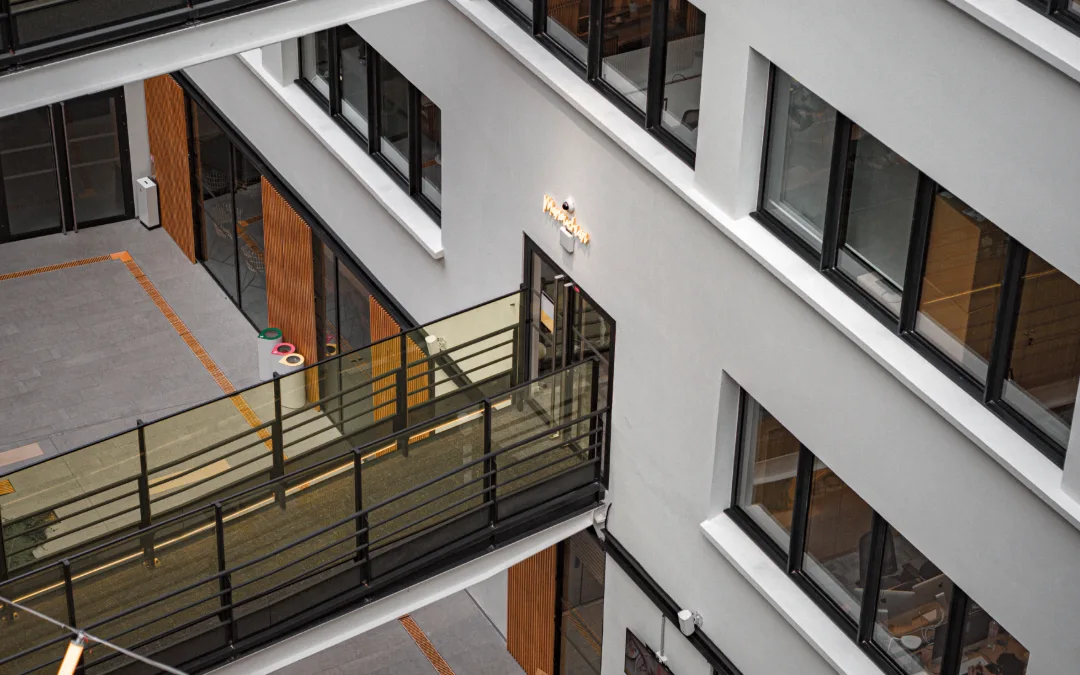
7projects and service in one system
CREA Budownictwo: 7 projects without chaos
An organized flow of information with subcontractors and fast reports for clients.
Read the story
Many sites at once
SAVI Group: tasks, quality and documentation in one place
Work and task planning combined with documentation, quality and warranty across many sites.
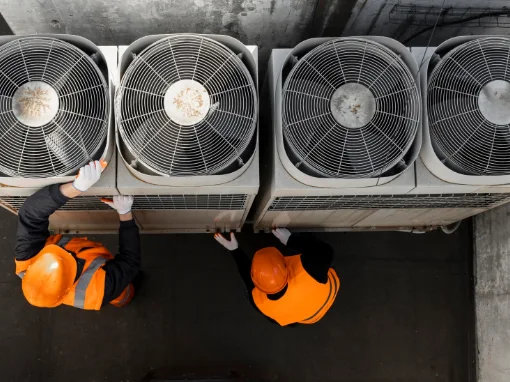 66projects
Subcontractor · MEP
Hybryd16: 66 projects in one system
Communication with subcontractors without installing the app, and reports for in-house needs.
 minutesinstead of days for summaries
General contractor
Constrim: all statuses and responsibilities in one place
PDF reports for management generated in minutes, always in the same layout.
 4projects
Developer · Wrocław
Baumatech: better communication with subcontractors
The system is used for works delivery and handovers on four residential projects.
Comparison
Hustro vs Excel and WhatsApp
Excel doesn’t send reminders, and WhatsApp loses decisions in a flood of messages.
| Feature | Excel | Hustro | |
|---|---|---|---|
| Task assigned to a person and due date | |||
| Location on the building floor plan | |||
| Photos and comments on the task | |||
| Due date notifications | |||
| Status visible to the whole team | |||
| Statistics by contractor | |||
| Change history |
Testimonials
Industry leaders on Hustro
Reports in minutes, everything in one place
“Before Hustro, I started summaries almost from scratch — dozens of calls, emails and Excel files from different managers. Now I open the app and see everything in one place.”★★★★★
Simplicity, speed and integrated communication
“A big advantage is the integrated communication – subcontractors can contact us without installing the app. In that time we have used the app on 66 projects.”★★★★★
Communication with subcontractors on a new level
“The system enables faster and more effective information exchange with subcontractors, which leads to better work organization on site.”
Related modules
Tasks are part of a bigger process
Non-conformities, inspections and documentation share the same projects, floor plans and users.
Non-conformity management
Defects delegated to contractors and tracked to closure – with email communication and PDF reports.
Explore the non-conformity moduleInspections and handovers
Checklists on your phone, non-conformities straight to the contractor and a PDF report in 2 minutes.
Explore the inspection moduleDocument management
A CDE platform compliant with ISO 19650 – the drawings you pin tasks to are always up to date.
Explore the CDE platformBlog
Articles on organizing work on site
Reporting, the digital construction site and rolling out apps in your team – practical guides.



How is task management in Hustro different from Excel or WhatsApp?
In Hustro, every task has an owner, due date, priority and change history — visible to everyone in real time. Excel doesn’t send reminders or show who did what and when. WhatsApp loses decisions in a flood of messages. Hustro gives you full control without searching for information in different places.
Can I assign tasks to external subcontractors?
Yes. Tasks can be assigned to both internal staff and external subcontractors. The subcontractor receives an email notification and can update the task status without logging in. If they want to use the mobile app, access is free.
Does Hustro send automatic reminders about task due dates?
Yes. The system sends automatic notifications before a task is due. Overdue tasks are clearly marked on the site manager’s dashboard. You don’t have to check on every contractor manually — the system does it for you.
Can tasks be linked to a specific location on the building floor plan?
Yes. Every task can be pinned to a specific place on a floor plan or site plan. The contractor sees right away where the work needs to be done — no extra explanations or calls asking about the location.
What does task progress reporting look like for the project manager?
The manager sees the status of all tasks on one dashboard — open, in progress, completed and overdue. PDF task progress reports are generated automatically in minutes. Ready to send to a meeting or to the investor without collecting data manually.
Can I manage tasks on several projects at once?
Yes. Hustro is designed to handle many projects in parallel. Each project has its own space with its own task list and team. From one view, the manager has an overview of task statuses across all active sites.
Does the task management app work offline?
Yes. Hustro works in offline mode on iOS and Android. Workers can update task statuses, add photos and comments without coverage. Data syncs automatically once the connection is restored — useful on sites with limited coverage.
How quickly can the task management module be rolled out?
Rollout takes from 24 hours to 2 weeks. Our team configures the project structure and task types to match your company’s processes. Users usually master the app on their first day — no training or IT projects.
Test Hustro on your project
Our consultants will help you plan the rollout and train your team. We’ll show you how developers work with Hustro.
Book a demo
Our team will contact you within 24 h

Tomasz Jones
Digitization Specialist